Sunday, October 19, 2025

Feature #42: Flocabulary


Flocabulary is a learning platform that utilizes music and rap videos to enhance students' learning across various subject areas and grade levels. It's designed for K-12 students and offers multiple lessons and educational activities to help master standards and build cross-curricular academic vocabulary. Students can use Flocabulary to learn multiple subjects, including math, science, social studies, language arts, and life skills. Educators can access Flocabulary's resources, track student progress, and customize lessons to supplement instruction.


Flocabulary can be accessed:

- Website: https://www.flocabulary.com

- Social Media: Flocabulary has profiles on Twitter, Facebook, Pinterest, Instagram, and LinkedIn


*Featured in the ILA Guam Chapter October 2025 Newsletter.

Sunday, December 29, 2024

Feature #41: Discovery Education


Discovery Education (https://www.discoveryeducation.com) is an online platform offering information on technology and science fields. This website also provides excellent literacy resources, as it features a curriculum that integrates STEM content into an interactive experience for students to engage with online.

In addition to being a valuable literacy resource, it’s important to remember that students don’t just read through traditional text—they also read and communicate through coding. This website offers coding practice, which is itself a form of communication and reading in the digital world. For students interested in coding, this website would be an excellent resource.


*Contribution by Anthony Ponce

Sunday, November 24, 2024

Feature #40: The Free Reading Program


The Free Reading Program (https://freereadingprogram.com) is a literacy website designed for users to create accounts for their students, providing them with opportunities to complete various literacy activities aimed at improving their skills. The website offers a wide range of activities, from foundational skills to Level 6 content. Each level includes diverse tasks, such as matching words and reading passages followed by comprehension questions.

Users must create an account to access all the materials available on the site. Signing up requires only an email, and accounts are free. Once registered, users can access resources tailored to the grade level they teach or the reading/literacy level of their students. Teachers or account holders can add students to their account and assign passwords for student logins. The website provides activities targeting various literacy skills, including sight words, which feature word lists and basic vocabulary. Additionally, students can read stories accompanied by interactive activities.

One notable feature of The Free Reading Program is the "play" button, which reads text aloud. This feature is particularly helpful for students struggling with reading and literacy. At the end of each activity, a star rating displays the number of attempts and the percentage of correct answers, making it an excellent tool for tracking progress and evaluating improvements in students’ reading and literacy skills.

As users explore higher levels, the activities become increasingly specific. For example, Level 5 includes vocabulary-building tasks focusing on homophones, homonyms, antonyms, figurative language, easily confused words, prefixes, and suffixes. These activities are particularly beneficial for students needing additional practice in these areas.

This website serves as an excellent supplemental resource for teachers to integrate into classroom activities. With its extensive features and diverse reading activities, The Free Reading Program supports students at all levels, whether they are working to improve their literacy skills or seeking extra practice to enhance and enrich their abilities.

*Contribution by Joanna Ponce

Thursday, October 3, 2024

Feature #39: Whooo's Reading


With Whooo's Reading (https://www.whooosreading.org), parents and/or teachers can hold students accountable for their reading and check for comprehension. Students take quizzes generated by the website after they’ve read their book. The parent or teacher can set expectations for quizzes. Rather than just the typical multiple-choice, teachers can choose what types of questions, what ratio of fill-in-the-blank and open-ended questions they would prefer, how often students are to be quizzed, and more!

The website uses positive reinforcement by rewarding students after every quiz. The website also offers activities for students to do after reading. The activities cover a variety of skills like text-to-text connections, vocabulary, grammar, and more.  Whooo's Reading helps track the students' progress, holds students accountable, and motivates them to keep reading!

*Contribution by Jean Perez

Tuesday, August 27, 2024

Feature #38: Phonics & Stuff


Phonics & Stuff - https://phonicsandstuff.com - offers a variety of useful literacy materials. Upon entering the site, visitors will find tabs for ‘Games,’ ‘Read-Alongs,’ ‘Decodable Readers,’ ‘Teaching Tools,’ ‘Articles,’ and a link to their TPT Store. By clicking on the ‘Games’ tab, users will discover a variety of phonics and reading games, including sound blending, sound-letter matching, reading words, short vowels, spelling, ABC order, and more. These games can serve as valuable tools for students who may need assistance with basic literacy skills but could benefit from a change in activity. The website offers a good variety of resources that support ongoing literacy practice. The site also features decodable readers that students can use for practice. These readers highlight specific short vowels, consonants, word types, and tricky words. Additionally, they can be downloaded and printed, which is particularly helpful for extra practice when students do not have online access. Another key feature of the website is its collection of Read-Along Stories, which are excellent for classroom use or individual student access. These stories allow students to listen to books while reading along, making it a valuable resource for enhancing literacy. PhonicsandStuff also provides various tools for teaching phonics, including resources for graphemes, phonemes, building word lists, creating decodable sentences, and a phoneme reference guide, among others. The website’s phonics articles are particularly useful for teachers who are focusing on the fundamentals of reading and literacy with their students. Overall, PhonicsandStuff offers a wide range of materials that can significantly aid in improving literacy for children and students. The site includes activities for students and provides resources for teachers and parents to help their children advance and enhance their literacy skills. 

*Contribution by Jane Ponce

Tuesday, August 13, 2024

Feature #37: Word Game Time

Word Game Time (https://wordgametime.com/) is a free website that offers language arts games and homework help. The games are fun and have been approved by educators. The goal of Word Game Time is to help students succeed. The site provides content for kindergarten through 7th-grade students in spelling, typing, reading, geography, and language arts.

Word Game Time features a user-friendly site with content organized by grade, subject, and type. The language arts section includes activities that help students with letter-sound recognition, parts of speech, subject-verb agreement, and other essential skills. Another noteworthy feature is the educational videos, which are fun and engaging for all grade levels. Some videos are animated, while others offer instruction from a teacher.

Word Game Time is similar to websites like ABCYa.com and Funbrain.com. However, what sets it apart is the variety of free worksheets available for teachers, parents, and students. While some sites offer worksheets, the ones on Word Game Time cover a wide range of topics, including poetry, homophones, and dictionary practice.

Word Game Time is an excellent online resource for teachers, parents, and students seeking more variety in online learning and practice. The variety sets this website apart from other online learning games and resource sites. The materials are well-organized and easy to find, making it a site that makes learning fun and engaging.

*Contribution by T. Leon Guerrero

Thursday, July 18, 2024

Feature #36: Literably


Literably (https://www.literably.com/) is an online literacy assessment for grades K-8 designed to inform instruction, screen students for reading difficulties, identify students’ reading levels, and monitor students’ response to intervention. The data needed to do this are generated by a student reading a short passage out loud into a computer, laptop or tablet device and answering several comprehension questions.

Literably yields an oral reading fluency (ORF) score. An ORF score measures the number of words a student reads out loud correctly in one minute and is sometimes written as words correct per minute. ORF has the desirable property that, in general, it is valid for the purpose of screening elementary school students for reading difficulties. 

Unlike students assessed under these older instruments, students that use Literably read out loud into a device, typically a tablet or laptop. This is in contrast to the traditional process of an educator sitting with a student one-on-one and noting her errors as she reads. This change in mode of administration saves a large amount of staff time, which can improve student achievement via the reallocation of that time toward instructional activities

To promote content validity, Literably’s passages were selected to resemble the materials that students read in the classroom. Thus, Literably draws its reading passages, with permission, from leveled children’s trade books. Approximately half are excerpts and the remainder are the full book, with the full books concentrated at the lowest reading levels. Approximately half are fiction and half non-fiction. Pictures are available for all passages up through the 3rd grade level. All books were officially leveled according to Heinemann’s Guided Reading framework. 

Literably does have a monthly subscription however teachers are offered a free one month trial. After signing up for literably, teachers then add their student roster into the program. After adding students, teachers can have students take the many assessments to start gathering data. 

Overall, Literably is a great tool for parents and teachers. It is an all-in-one website for measuring a student’s literacy levels. 


*Contribution by Ciera Tuiasosopo

Feature# 35 NAT GEO KIDS

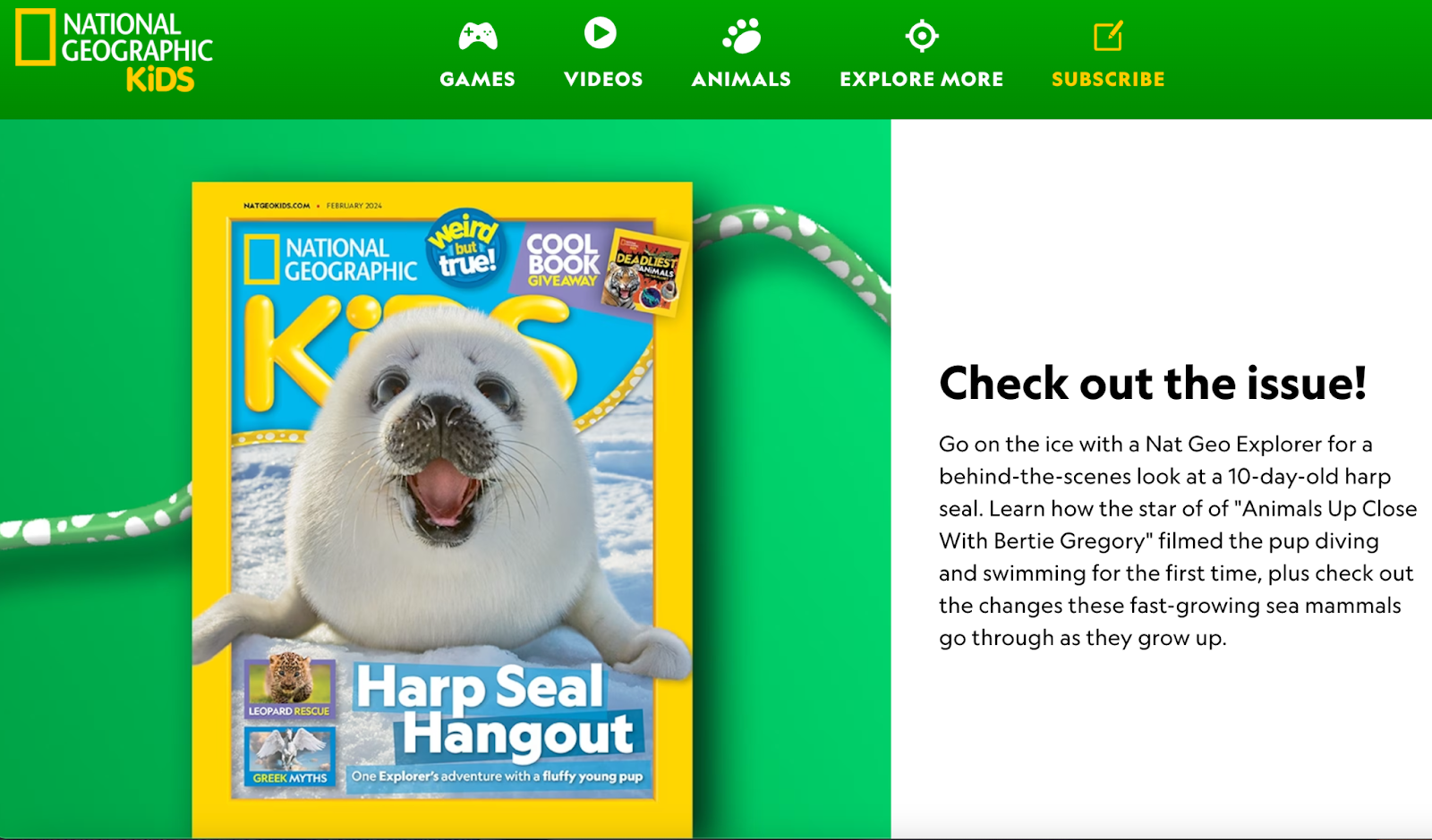
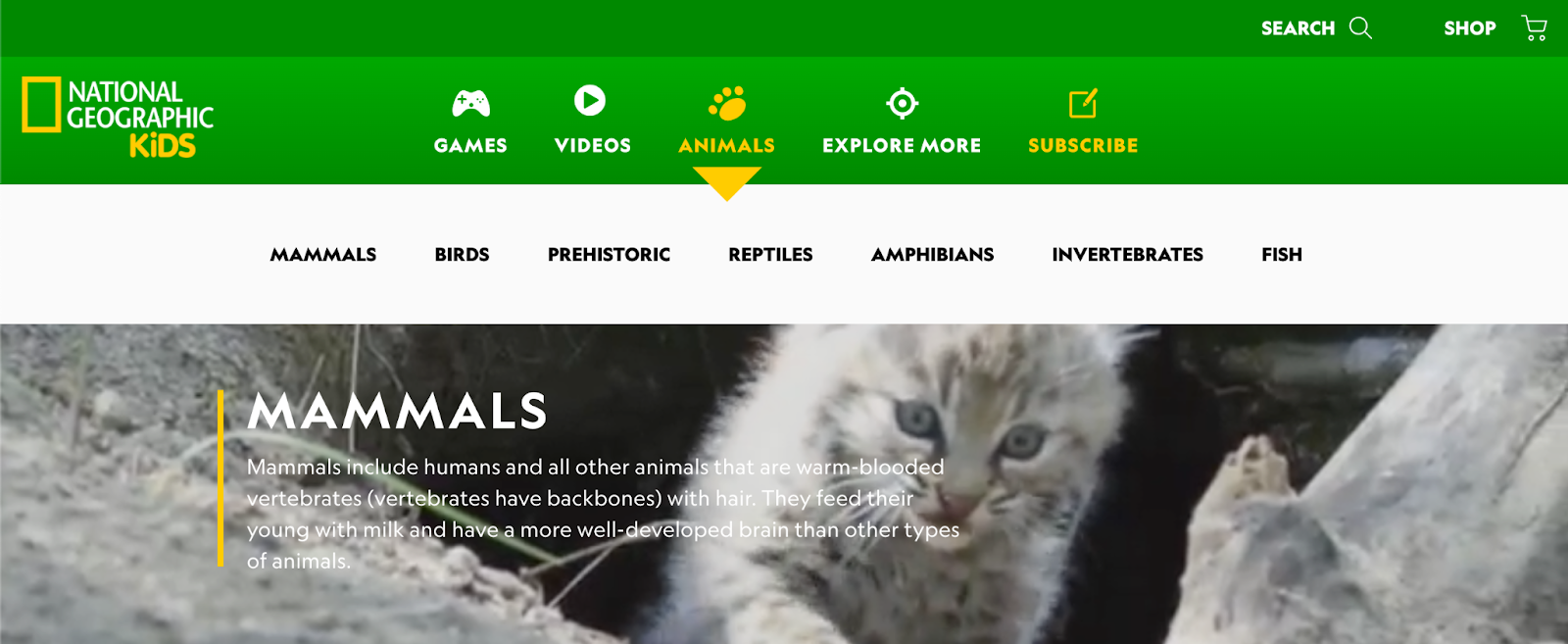
            NAT GEO KIDS https://kids.nationalgeographic.com/  offers readers articles about nature and animals. NAT GEO Kids will definitely be more appealing to younger kids. This website is not just an excellent literacy resource for students, it can also be a very interactive and enjoyable site for young readers. It offers readers information about the animal kingdom. For students who love animals, this is one of those websites they will very much enjoy. In addition to the readers and articles about animals, they also have great educational videos that students will love. This is an effective literacy tool for school-aged children.

*Contribution by Anthony Ponce

Saturday, July 6, 2024

Feature #34 - Kids World Fun

Kids World Fun

URL: https://www.kidsworldfun.com/


    Kidsworldfun.com stands out as a valuable resource for promoting literacy among young students. This free website offers an extensive range of literature options, providing over seven varieties to choose from. The diverse selection includes poems, short stories, myths and legends, magazines, e-books, children's books, and quotes specifically for kids. Within each category, users can explore a library of over 30 types of engaging stories, making it a versatile platform for reading with children.


    A notable feature of the website is the "Learn" tab, offering educational content across various subjects such as English, science, math, coding, and even guidance on preparing for spelling bees. For a multisensory experience, Kidsworldfun.com includes nursery rhyme videos that promote rhythm and rhyme, enhancing language development.

 Beyond literature and learning, the website also incorporates a wide variety of games and quizzes to make the educational journey enjoyable. Parents and educators will find additional resources such as arts and crafts activities, coloring pages, and even cooking activities, providing hands-on activities  to children's development.


*Contribution by Julie Perez

Wednesday, May 29, 2024

Feature #33 - Story Jumper Magic


For teachers and kids alike, StoryJumper (https://www.storyjumper.com)is a remarkable literacy tool that emphasizes creativity and storytelling. Students

can create their own digital books by using the website's creative approach, which

encourages creativity and a sense of ownership in the learning process. With StoryJumper,

students can create customized stories using an intuitive interface that improves their writing

skills and fosters their artistic abilities by adding images. 


StoryJumper provides educators with an adaptable platform to help with literacy teaching. Educators can use the platform to create engaging, interactive classes that accommodate different learning styles. Students are able to work on narrative projects because of the collaborative elements, which foster cooperation and communication skills. In addition, the site offers educators a useful tool for evaluating students' writing ability, originality, and comprehension in a multimedia setting. 


One of StoryJumper's main advantages is that it may be used by students of various ages and skill levels due to its versatility. While advanced learners can explore more intricate story structures, early readers can benefit from the platform's simplicity. Because of the website's accessibility, educators may easily include it into their lesson plans, meeting literacy requirements and encouraging a comprehensive approach to teaching language arts.

If users are confused with the website, the Frequently Asked Questions (FAQs) part of StoryJumper is a great resource. In this section of the website, there is a wealth of information and support. Students as well as educators will find it easy to search and locate relevant responses to frequently asked questions due to the FAQs' order and clarity. A wide number of subjects are covered in the FAQ area, including account management, usage instructions, and technical issues. This inclusiveness guarantees that users won't have to go through numerous sites to find information about the platform's capabilities, ask questions, or fix problems. The FAQs' also steers free of technical jargon and offers clear explanations for users with various levels of technological proficiency.

Additionally, StoryJumper encourages students to share their works with a broader audience, which promotes a global perspective on literacy. This fosters a sense of ownership in the work produced by the kids as well as an appreciation for various points of view and storytelling customs that exist throughout the world. StoryJumper is a useful tool that fosters kids' passion for storytelling and self-expression while simultaneously improving literacy skills in an era where technology is still a major factor in education.

*Contribution by Julie Perez

Thursday, May 16, 2024

Feature #32 - Imagination Soup


ImaginationSoup.net was founded by Melissa Taylor, a former teacher who is now a blogger and writer. She's not just any writer; According to her website, she is a children's book expert, a former award-winning bilingual teacher with an M.A. in Education, a former literacy trainer, and a passionate advocate for literacy, representation in children's literature, and high-quality education. Imagine Soup is a convenient source of wholesome and reliable children's books. It seems that she created Imagine Soup as a website where families, librarians, and educators can find great children's books and learning ideas, resources, and community. On concluding thoughts about Imagination Soup: It suits parents who need guidance to begin building their child's love for reading. For every parent interested in developing reading abilities, Imagination Soup will develop reading interests, not to mention a robust vocabulary that leads to strengthening reading skills needed to thrive fluency and comprehension. Scroll further down into Imagination Soup's landing page. You will find their "Playful Learning" area, where you will see reading journals, STEM, games, and books with educational reading and writing sheets.

*Contribution by Norly Cabrera-Balbin

Thursday, February 15, 2024

Feature #31: READING BEAR


The Reading Bear - 
https://www.readingbear.org/

     The Reading Bear is truly a resourceful literacy website. When you first get into the website, you are greeted with a picture of a reading bear, which is very fitting for the name of the website. Then there are a few tabs to click on that include: home page, log in, about us, getting started, training videos, and log out. The home page also includes a list of ‘First Learn the Letter Sounds’ where if there is a specific letter sound that you are trying to focus on, you can easily access the available materials from there. 

     When you click on the desired letter sound, it will lead to the page where there are a variety of activities and materials to use. First, the options to sound out the letters slowly, then sounding it out quickly, audio flashcards, and progress to audio sentences and silent sentences. This is a great way to have the student(s) become familiar with the letters and the various short or long sounds of letters. There are short videos that help with pronunciation as well as images that correlate with the word(s) being read or shown. 

     There are also training videos that teachers and parents can access in order to be able to use the website more efficiently. The videos include the introduction to the Reading Bear website, how to add sub accounts, and how to review the quiz results. Being able to review the quiz results is very helpful in tracking how the student is progressing. 

     Overall, this is a great website for reading/literacy. It puts a lot of emphasis on going over the basics, down to the letter sounds. There are many videos, audio materials and just useful literacy materials in general.


*Contribution by Joanna Ponce

Sunday, December 31, 2023

Feature #30: Storybird


Storybird https://storybird.comis an online Language Arts tool that helps students fall in love with writing and reading through visual retelling. Because writing and reading are connected, Storybird makes for a great website for students to use to create meaningful work. Storybird was made to empower young writers to create their very own story with its vast selection of illustrations, different templates to choose from, and the ability to even upload their own artwork, and publish it! With Storybird, students can unlock their creative potential!
Storybird was made for students in the elementary level all the way up to High School. Storybird also caters to students who choose to write graphic novels, fantasy stories, and video game plots. Storybird teamed up with over one thousand artists so that students can use their artwork for inspiration or to incorporate into their own stories. 

Storybird also offers students the chance to view already-made stories from others around the world. In the Read tab, students can choose from different forms of text to choose from. Storybird offers activities in basic writing, creative writing, thematic compositions, children's songs, and leveled readers. But of course, when creating a story, one may get a bit confused on where and how to start. That is why Storybird has also inputted into their Activities tab a How-to guide. 

Storybird offers educators a free 7-day trial. After the trial has ended, Storybird has an individual plan and a school plan. With each plan comes its own features. Storybird also has discounted family memberships, as well!
.
*Contribution by Analisa Holm

Tuesday, November 28, 2023

Feature #29: Oxford Owl


Image from: https://www.oxfordowl.co.uk/


    Oxford Owl (https://www.oxfordowl.co.uk/) is an award-winning website, from Oxford University Press, that supports parents, caregivers, and teachers in reading, writing, and math. Their site is divided into two sections: Oxford Owl for School and Oxford Owl for Home. 


    Oxford Owl for School offers teacher support in which users can access YouTube video links to learn how to set up a class login, how students can log in using a class code, how to provide assignments to students on the platform, and how to add students to the eBook library on site. Schools or individual teachers can subscribe to programs provided by Oxford Owl. These programs include Big Writing Adventures, Read Write Inc. Phonics, and Read Write Inc. Spelling. Educators have access to free teaching resources and professional development videos or articles for literacy strategies. If a teacher or school has a paid subscription, homework can be assigned to students and submitted online. Student progress can be tracked through the “Homework and Reporting” section. A Teacher Support section is provided if there are any questions on topics such as reading comprehension, activity sheets for writing, etc.   


    Oxford Owl for Home is a parent support system that includes educational advice, activities, and games, and an eBook library for 3 to 11-year-old children. In the Phonics Support section, parents can watch a video and read about what phonics is, and includes activities that parents can do to help their child practice. Children can read free eBooks independently or choose to click the “Play” icon to listen to the read-aloud. Other menu options on the book include volume control, mute for audio, search bar for a specific page in the book, and zoom in or out to change the size of the book on screen. Two activities can be found at the top of the book for students to complete. For example, a student may put the different illustrations of the story in order from beginning to end. Another activity includes students looking at a word from the story and determining what sound it begins with by listening to different sounds through the audio button choices. eBooks also include a section at the beginning of the book to guide teachers, parents, or caregivers on the instruction as the child reads the book with them. The guide includes questions to ask children at the beginning of the story, during the story and vocabulary words that would be helpful for reading comprehension.  


    Oxford Owl provides instructional guidance for teachers, parents, and caregivers to support student learning at home or in primary school. Children who have “common issues with reading”, parents who want to help their children realize the “joy of reading”, or teachers who want access to “reading schemes and levels” will find expert advice to help students become successful in literacy. 


*Contribution by Pearl Hamada

Wednesday, October 11, 2023

Feature #28: Reading Rockets


Reading Rockets https://www.readingrockets.org/ is possibly the most comprehensive reading strategies website available. It offers a multitude of research, strategies, and multimedia learning tools. It includes resources for parents, such as booklists, tips on creating a home library, tips on finding books at the right reading level for your child, and tips for reading with your child. Most importantly, it includes booklists, watch and learn videos, author study toolkits, and author interviews.
In particular, the author interviews can be useful. The video interviews are the cheapest and fastest way for students to connect with authors before they write or read. It would be excellent to show the Marylin Singer before a poetry unit and have the students analyze what she said poetry can be. Likewise, it would be fun for students to listen to Lois Lowry’s interview about “The Giver” before or after reading it, and discuss her point of view regarding how controversial it is. Students can then decide for themselves after reading it if it controversial and should be removed from a school reading list.

*Contribution by Erik Miller

Feature #27 - Google Lit Trip


Can you imagine what it must have felt like trying to escape the southern states with Harriet Tubman in the novel Freedom Train? Wouldn’t it be interesting if you could actually take the perilous journey with her? Google Lit Trips (http://www.googlelittrips.org/) is a nonprofit website founded by educator Jerome Burg, which uses Google Earth to take students on virtual literature tours. Students will have the opportunity to travel with characters from a particular piece of literature through their adventures and journeys.

While reading a story, students make several “stops” at actual locations in the book. At each stop, there are place marks with pop-up windows containing a variety of resources including essential reading questions, thinking-about-the-story conversation starters, vocabulary words, related pictures and video. Through these Lit Trips, students will be able to jump into the story and tie literary content with place and time.

To begin a Lit Trip tour, a membership registration must be completed. Once registered, Lit Trip content will be made available by simply submitting a request form using a registered email address. Using the Lit Trip Library, users may browse the titles available either by grade level or alphabetical order. There are currently 81 book titles to choose from. As soon as you decide on the title you will be working with, you may visit the Lit Trip store, request for the trip, and will quickly receive an email with further instructions.

Lit Trip Tours are not limited to the books available on their website. You may also create your own virtual tours and include them in the site library. Created tours are submitted, reviewed, and posted on the Lit Trip website if approved. To help with this process, submission guidelines and various tutorials are made available if interested.

Lit Trip tours is a great addition to any literacy lesson. Adding a virtual “field trip” is an excellent way to immerse students in historical evidence and the geography of our earth. Using Google Earth allows you to transport your class to any location in the world instantly. Cities, terrain, monuments, museums and historic locations. It’s a great way to enhance any story by providing an interactive experience while taking a literacy adventure.

*Contribution by Christian Bais

Wednesday, October 4, 2023

Feature #26 - MagicBlox


MagicBlox is an online library filled with many different kinds of books for children.  It is a free resource and the website is user friendly. You can navigate through the website by the different tabs or simply browse through the collection of books shown on the homepage of the website.  Enjoy reading books from your computer, tablet, or mobile device! You can take your books anywhere.  The stories offered are age appropriate and there are books for all ages.

MagicBlox offers different access passes.  If you opt into experiencing the website for free, you are able to enjoy the Ladybug access pass and have unlimited access to reading one free book a month.  The website also offers a Bookworm access pass which allows you to have unlimited access to all the books for a monthly fee or the Butterfly access pass that also gives you unlimited access to books for a fee of once a year - saving you 36%!

One feature that I like about this website is how every book has a description.  I think that this is really helpful in choosing what book you want to read, especially if you are using the free one book a month access.  I also like how each book has a star rating.  The online library is always expanding which makes this resource better than it already is.  The choices of books are endless! I also appreciate the stories that have the audio narrations and music.   

MagicBlox is a resource that everyone should know about.  I, myself, use it for my kids.  As an educator, I want to instill the love for reading into my students and as a parent, I want the same for my children.  MagicBlox makes reading a whole different experience for them and they love it.  

*Contribution by Jia

Saturday, August 12, 2023

Feature #25 - Pebble Go and Pebble Go Next


Pebble Go & Pebble Go Next

By Capstone


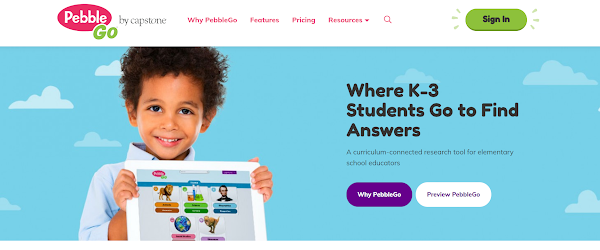
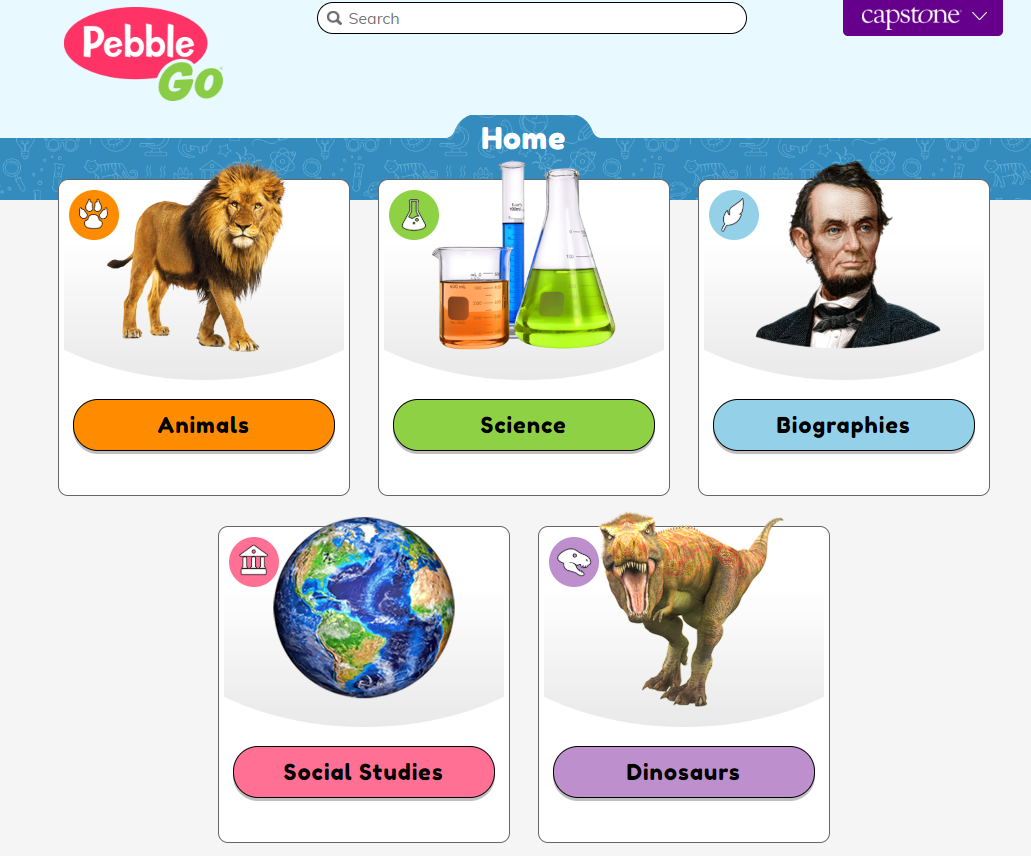
Pebble Go (https://pebblego.com/) and Pebble Go Next (https://pebblegonext.com/) by Capstones is a curricular content hub. Pebble Go is designed for K-3 students and Pebble Go Next is designed for 3rd-5th grade students. Capstone is a family owned company to support the needs of reading in grades Pre-K to high school students. There are high quality and high-interest fiction and non-fictional materials. The content hub includes informational articles, ready-made activities, and literacy support for students of all abilities. It allows and fosters independent learning in core areas.


You can also sign up for a free trial to explore what Pebble Go and Pebble Go Next has to offer. Pebble Go Next's big idea is research. Its databases help students learn key concepts in Social Studies, Biographies, Science, States and American Indians. The articles are all supported by read-aloud audio and are connected to the curriculum. Pebble Go in particular assists early readers, meets student needs, and supports educators.
Pebble Go and Pebble Go Next offers a lot of user friendly features. Students just click on what they would like to read about or learn. Each category has a huge library of choices.


Among the features, is simple navigation and information is easy to find. The read aloud articles have real voice actors to help model correct pronunciation and fluency. It also provides text highlighting for readers of all abilities to follow along. 

*Contribution by Dona Miles

Friday, August 4, 2023

Feature #24 - Peto's Journey


Peto's Journey https://www.petosjourney.com/ features engaging books, publishing, games, reviews, resources, and more!  They focus on writing the vision and making it meaningful, because their creativity for any project starts with you. Your vision, goal, and desire as an author encourages the Team at Peto's Journey.  Their mission is to inspire hope, experience laughter, and love as they create stories that will stand the test of time.

*Contribution by Jarneec Halsey


Wednesday, May 31, 2023

Feature #23: Storyplace.org

Storyplace.org. is a digital learning library targeted for preschool-aged students. It is a free website with engaging lessons and icons that are user-friendly.  It allows a user to choose a theme that they like.  It also includes entertaining animations and voice overs to read along to.  Storyplace.org helps readers stay interested and concentrated while reading. Students have the ability to choose the topics to the story, which are all additional mechanisms for engaging the reader that users can make use of. The stories on Storyplace.org are also interactive which may help younger students with shorter attention spans to stay focused. There are a wide range of story topics that include rainbows and colors, animals, fruits, and typical jobs like firefighters. At the end of the story, students have the options to read another story or check out an activity that could be completed online.

Students may practice reading along with the story or they may listen to the voice overs in the story while watching the animations and videos. In addition, this website is not only available in desktop mode, but can also be downloaded on tablets and other mobile devices. Parents and guardians can easily access this content at home on their own devices. The app includes many more activities that are perfect for young learners.

Overall, this would be great for really young children or older children who are struggling with reading comprehension. The passages and stories are very simple and use a format made for primary-aged children. 


*Contribution by A. Espinal

Feature #42: Flocabulary

Flocabulary is a learning platform that utilizes music and rap videos to enhance students' learning across various subject areas and gra...