Thursday, July 18, 2024

Feature #36: Literably


Literably (https://www.literably.com/) is an online literacy assessment for grades K-8 designed to inform instruction, screen students for reading difficulties, identify students’ reading levels, and monitor students’ response to intervention. The data needed to do this are generated by a student reading a short passage out loud into a computer, laptop or tablet device and answering several comprehension questions.

Literably yields an oral reading fluency (ORF) score. An ORF score measures the number of words a student reads out loud correctly in one minute and is sometimes written as words correct per minute. ORF has the desirable property that, in general, it is valid for the purpose of screening elementary school students for reading difficulties. 

Unlike students assessed under these older instruments, students that use Literably read out loud into a device, typically a tablet or laptop. This is in contrast to the traditional process of an educator sitting with a student one-on-one and noting her errors as she reads. This change in mode of administration saves a large amount of staff time, which can improve student achievement via the reallocation of that time toward instructional activities

To promote content validity, Literably’s passages were selected to resemble the materials that students read in the classroom. Thus, Literably draws its reading passages, with permission, from leveled children’s trade books. Approximately half are excerpts and the remainder are the full book, with the full books concentrated at the lowest reading levels. Approximately half are fiction and half non-fiction. Pictures are available for all passages up through the 3rd grade level. All books were officially leveled according to Heinemann’s Guided Reading framework. 

Literably does have a monthly subscription however teachers are offered a free one month trial. After signing up for literably, teachers then add their student roster into the program. After adding students, teachers can have students take the many assessments to start gathering data. 

Overall, Literably is a great tool for parents and teachers. It is an all-in-one website for measuring a student’s literacy levels. 


*Contribution by Ciera Tuiasosopo

Feature# 35 NAT GEO KIDS

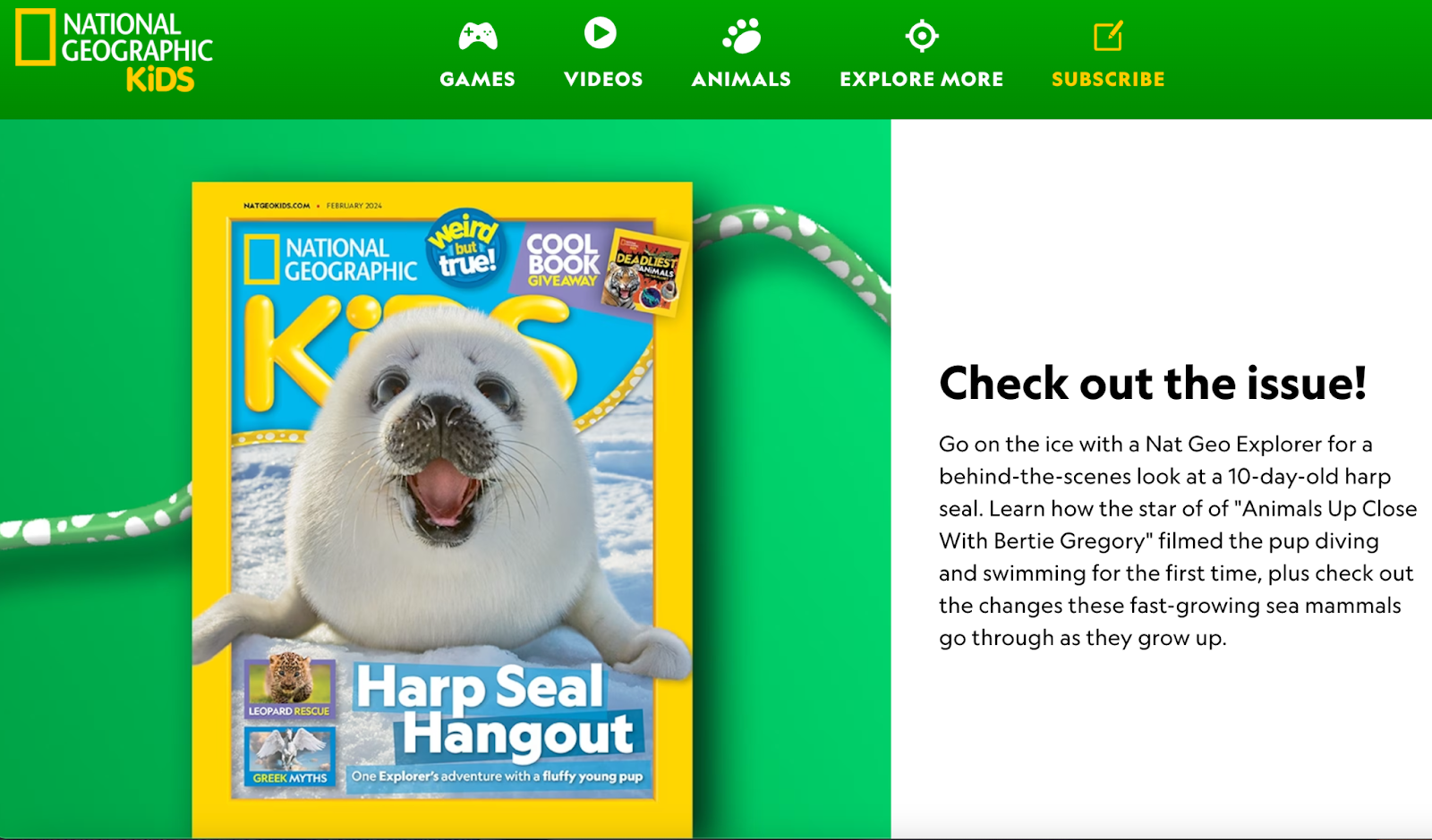
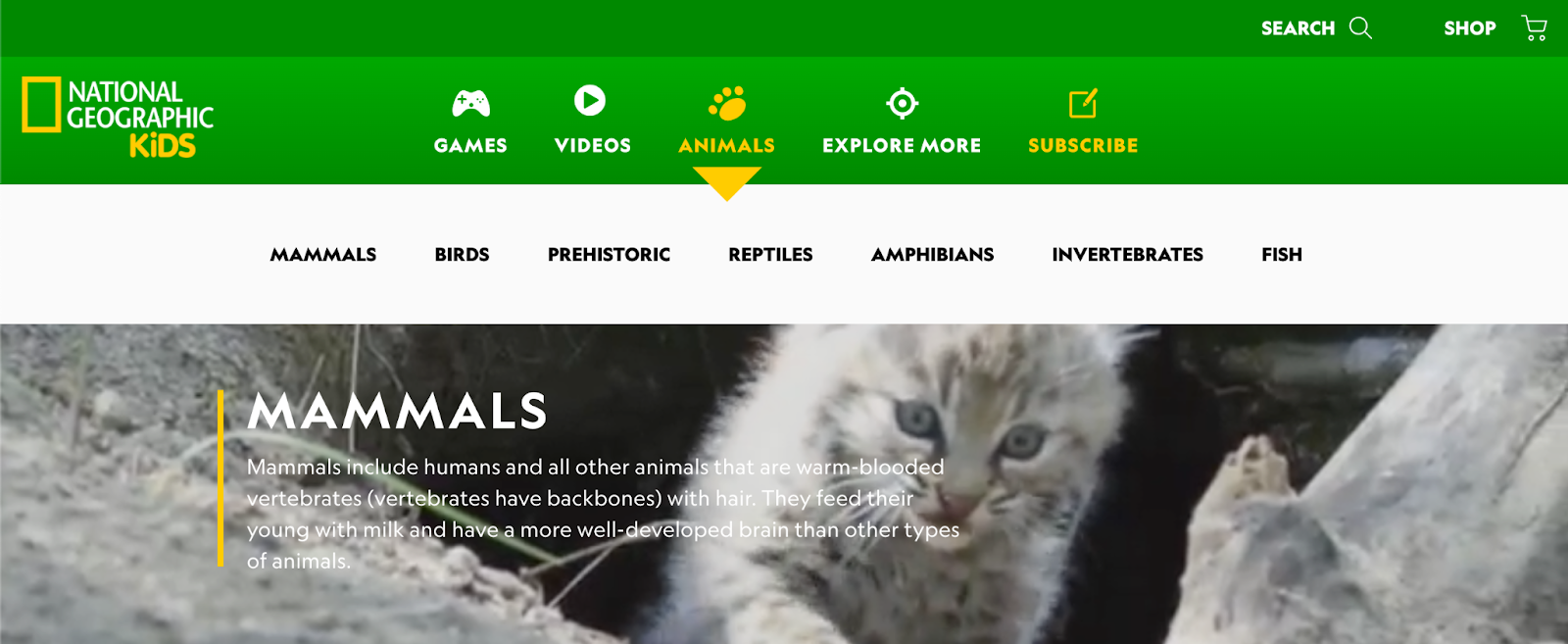
            NAT GEO KIDS https://kids.nationalgeographic.com/  offers readers articles about nature and animals. NAT GEO Kids will definitely be more appealing to younger kids. This website is not just an excellent literacy resource for students, it can also be a very interactive and enjoyable site for young readers. It offers readers information about the animal kingdom. For students who love animals, this is one of those websites they will very much enjoy. In addition to the readers and articles about animals, they also have great educational videos that students will love. This is an effective literacy tool for school-aged children.

*Contribution by Anthony Ponce

Saturday, July 6, 2024

Feature #34 - Kids World Fun

Kids World Fun

URL: https://www.kidsworldfun.com/


    Kidsworldfun.com stands out as a valuable resource for promoting literacy among young students. This free website offers an extensive range of literature options, providing over seven varieties to choose from. The diverse selection includes poems, short stories, myths and legends, magazines, e-books, children's books, and quotes specifically for kids. Within each category, users can explore a library of over 30 types of engaging stories, making it a versatile platform for reading with children.


    A notable feature of the website is the "Learn" tab, offering educational content across various subjects such as English, science, math, coding, and even guidance on preparing for spelling bees. For a multisensory experience, Kidsworldfun.com includes nursery rhyme videos that promote rhythm and rhyme, enhancing language development.

 Beyond literature and learning, the website also incorporates a wide variety of games and quizzes to make the educational journey enjoyable. Parents and educators will find additional resources such as arts and crafts activities, coloring pages, and even cooking activities, providing hands-on activities  to children's development.


*Contribution by Julie Perez

Wednesday, May 29, 2024

Feature #33 - Story Jumper Magic


For teachers and kids alike, StoryJumper (https://www.storyjumper.com)is a remarkable literacy tool that emphasizes creativity and storytelling. Students

can create their own digital books by using the website's creative approach, which

encourages creativity and a sense of ownership in the learning process. With StoryJumper,

students can create customized stories using an intuitive interface that improves their writing

skills and fosters their artistic abilities by adding images. 


StoryJumper provides educators with an adaptable platform to help with literacy teaching. Educators can use the platform to create engaging, interactive classes that accommodate different learning styles. Students are able to work on narrative projects because of the collaborative elements, which foster cooperation and communication skills. In addition, the site offers educators a useful tool for evaluating students' writing ability, originality, and comprehension in a multimedia setting. 


One of StoryJumper's main advantages is that it may be used by students of various ages and skill levels due to its versatility. While advanced learners can explore more intricate story structures, early readers can benefit from the platform's simplicity. Because of the website's accessibility, educators may easily include it into their lesson plans, meeting literacy requirements and encouraging a comprehensive approach to teaching language arts.

If users are confused with the website, the Frequently Asked Questions (FAQs) part of StoryJumper is a great resource. In this section of the website, there is a wealth of information and support. Students as well as educators will find it easy to search and locate relevant responses to frequently asked questions due to the FAQs' order and clarity. A wide number of subjects are covered in the FAQ area, including account management, usage instructions, and technical issues. This inclusiveness guarantees that users won't have to go through numerous sites to find information about the platform's capabilities, ask questions, or fix problems. The FAQs' also steers free of technical jargon and offers clear explanations for users with various levels of technological proficiency.

Additionally, StoryJumper encourages students to share their works with a broader audience, which promotes a global perspective on literacy. This fosters a sense of ownership in the work produced by the kids as well as an appreciation for various points of view and storytelling customs that exist throughout the world. StoryJumper is a useful tool that fosters kids' passion for storytelling and self-expression while simultaneously improving literacy skills in an era where technology is still a major factor in education.

*Contribution by Julie Perez

Thursday, May 16, 2024

Feature #32 - Imagination Soup


ImaginationSoup.net was founded by Melissa Taylor, a former teacher who is now a blogger and writer. She's not just any writer; According to her website, she is a children's book expert, a former award-winning bilingual teacher with an M.A. in Education, a former literacy trainer, and a passionate advocate for literacy, representation in children's literature, and high-quality education. Imagine Soup is a convenient source of wholesome and reliable children's books. It seems that she created Imagine Soup as a website where families, librarians, and educators can find great children's books and learning ideas, resources, and community. On concluding thoughts about Imagination Soup: It suits parents who need guidance to begin building their child's love for reading. For every parent interested in developing reading abilities, Imagination Soup will develop reading interests, not to mention a robust vocabulary that leads to strengthening reading skills needed to thrive fluency and comprehension. Scroll further down into Imagination Soup's landing page. You will find their "Playful Learning" area, where you will see reading journals, STEM, games, and books with educational reading and writing sheets.

*Contribution by Norly Cabrera-Balbin

Thursday, February 15, 2024

Feature #31: READING BEAR


The Reading Bear - 
https://www.readingbear.org/

     The Reading Bear is truly a resourceful literacy website. When you first get into the website, you are greeted with a picture of a reading bear, which is very fitting for the name of the website. Then there are a few tabs to click on that include: home page, log in, about us, getting started, training videos, and log out. The home page also includes a list of ‘First Learn the Letter Sounds’ where if there is a specific letter sound that you are trying to focus on, you can easily access the available materials from there. 

     When you click on the desired letter sound, it will lead to the page where there are a variety of activities and materials to use. First, the options to sound out the letters slowly, then sounding it out quickly, audio flashcards, and progress to audio sentences and silent sentences. This is a great way to have the student(s) become familiar with the letters and the various short or long sounds of letters. There are short videos that help with pronunciation as well as images that correlate with the word(s) being read or shown. 

     There are also training videos that teachers and parents can access in order to be able to use the website more efficiently. The videos include the introduction to the Reading Bear website, how to add sub accounts, and how to review the quiz results. Being able to review the quiz results is very helpful in tracking how the student is progressing. 

     Overall, this is a great website for reading/literacy. It puts a lot of emphasis on going over the basics, down to the letter sounds. There are many videos, audio materials and just useful literacy materials in general.


*Contribution by Joanna Ponce

Sunday, December 31, 2023

Feature #30: Storybird


Storybird https://storybird.comis an online Language Arts tool that helps students fall in love with writing and reading through visual retelling. Because writing and reading are connected, Storybird makes for a great website for students to use to create meaningful work. Storybird was made to empower young writers to create their very own story with its vast selection of illustrations, different templates to choose from, and the ability to even upload their own artwork, and publish it! With Storybird, students can unlock their creative potential!
Storybird was made for students in the elementary level all the way up to High School. Storybird also caters to students who choose to write graphic novels, fantasy stories, and video game plots. Storybird teamed up with over one thousand artists so that students can use their artwork for inspiration or to incorporate into their own stories. 

Storybird also offers students the chance to view already-made stories from others around the world. In the Read tab, students can choose from different forms of text to choose from. Storybird offers activities in basic writing, creative writing, thematic compositions, children's songs, and leveled readers. But of course, when creating a story, one may get a bit confused on where and how to start. That is why Storybird has also inputted into their Activities tab a How-to guide. 

Storybird offers educators a free 7-day trial. After the trial has ended, Storybird has an individual plan and a school plan. With each plan comes its own features. Storybird also has discounted family memberships, as well!
.
*Contribution by Analisa Holm

Feature #42: Flocabulary

Flocabulary is a learning platform that utilizes music and rap videos to enhance students' learning across various subject areas and gra...